
Milestones, not endless lists
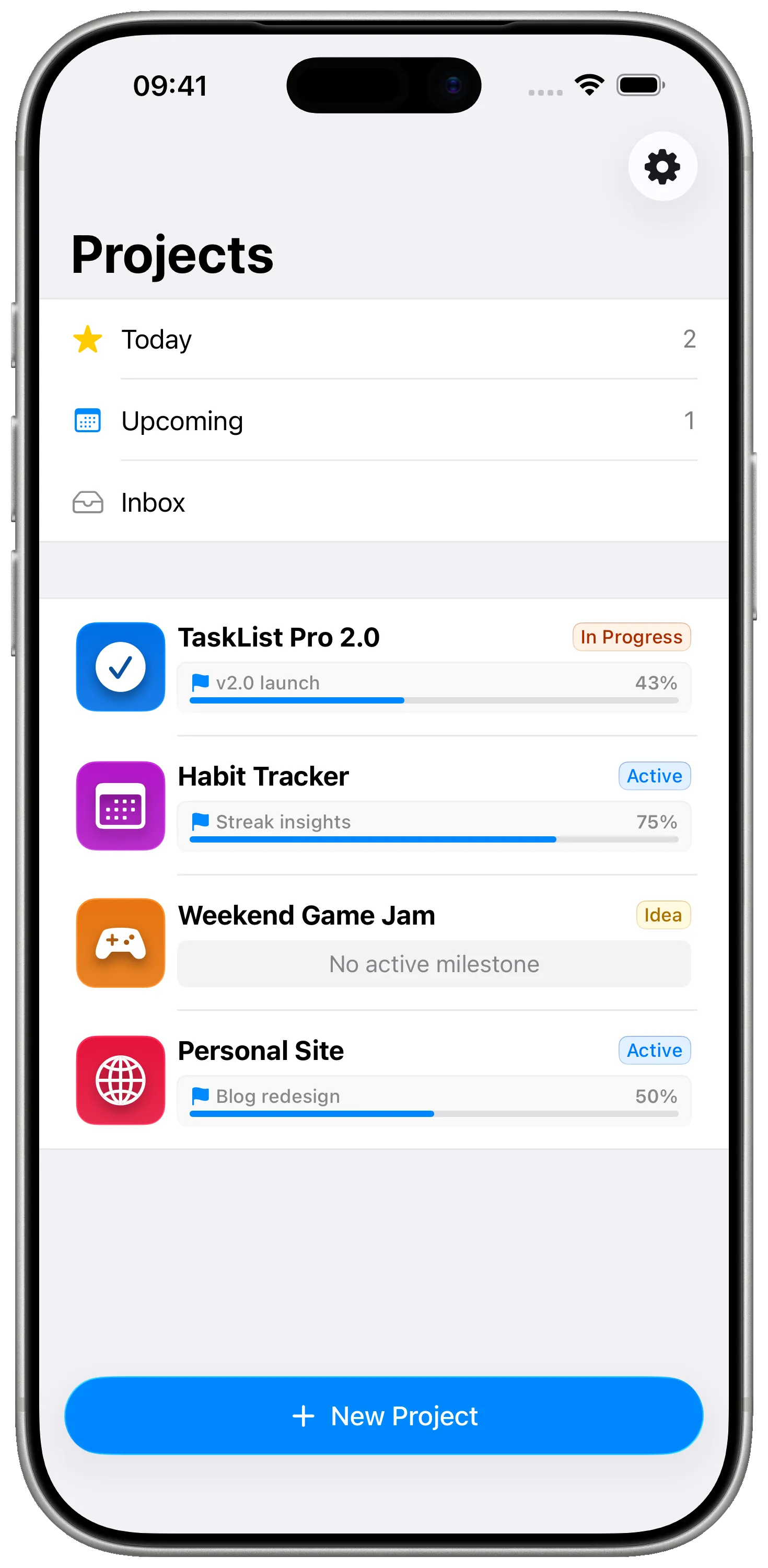
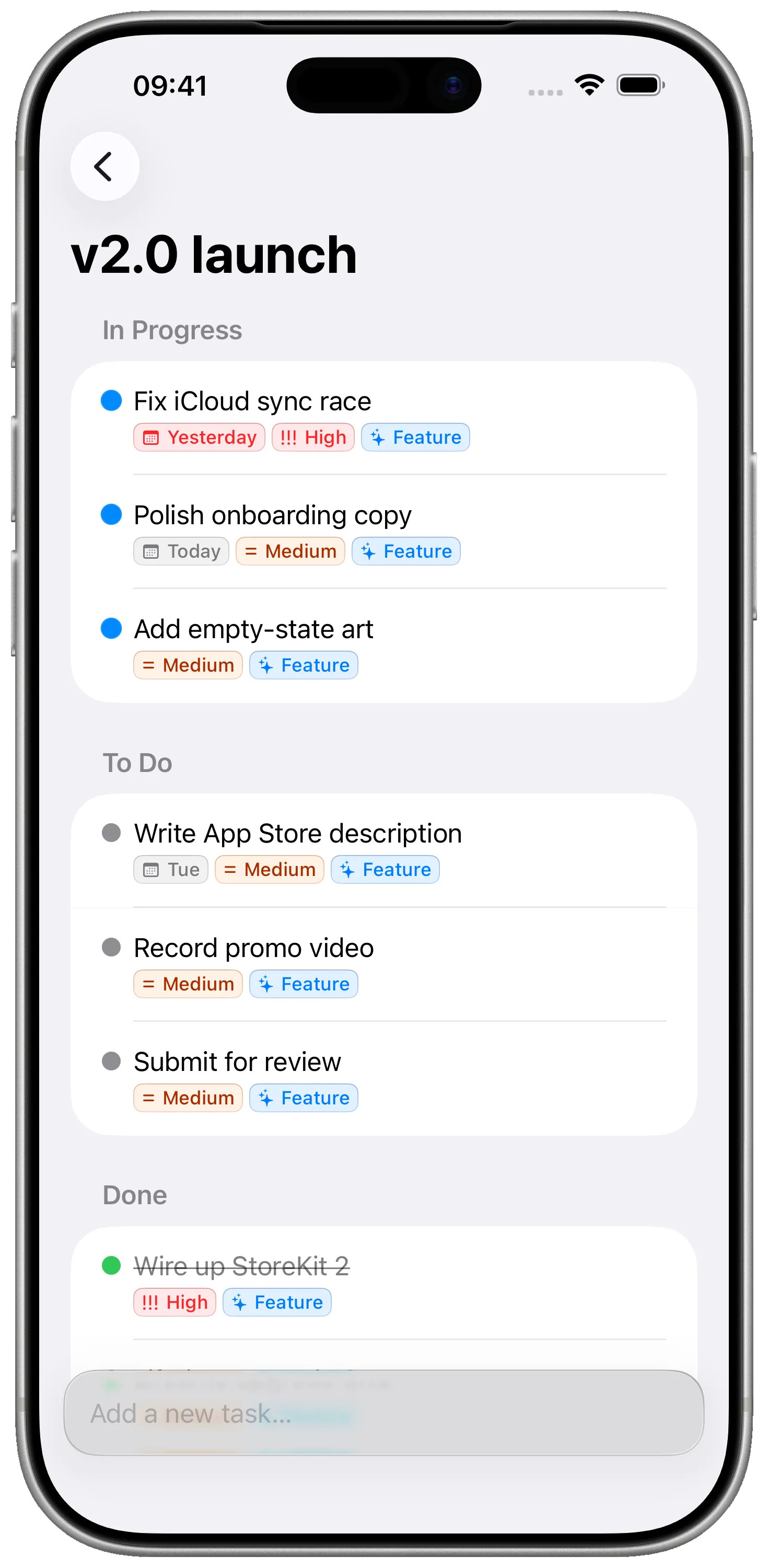
Break each project into a handful of milestones — Prototype, MVP, Beta, Launch — and watch them fill up as you ship. One active milestone keeps you focused on what to do next.
For indie developers
Milestones gives you a clear path from idea to ship — without Trello's clutter, Notion's lag, or Linear's enterprise overhead. Native on iPhone, iPad, and Mac. Private iCloud sync.
What's not working today
How Milestones fixes that
Break each project into a handful of milestones — Prototype, MVP, Beta, Launch — and watch them fill up as you ship. One active milestone keeps you focused on what to do next.
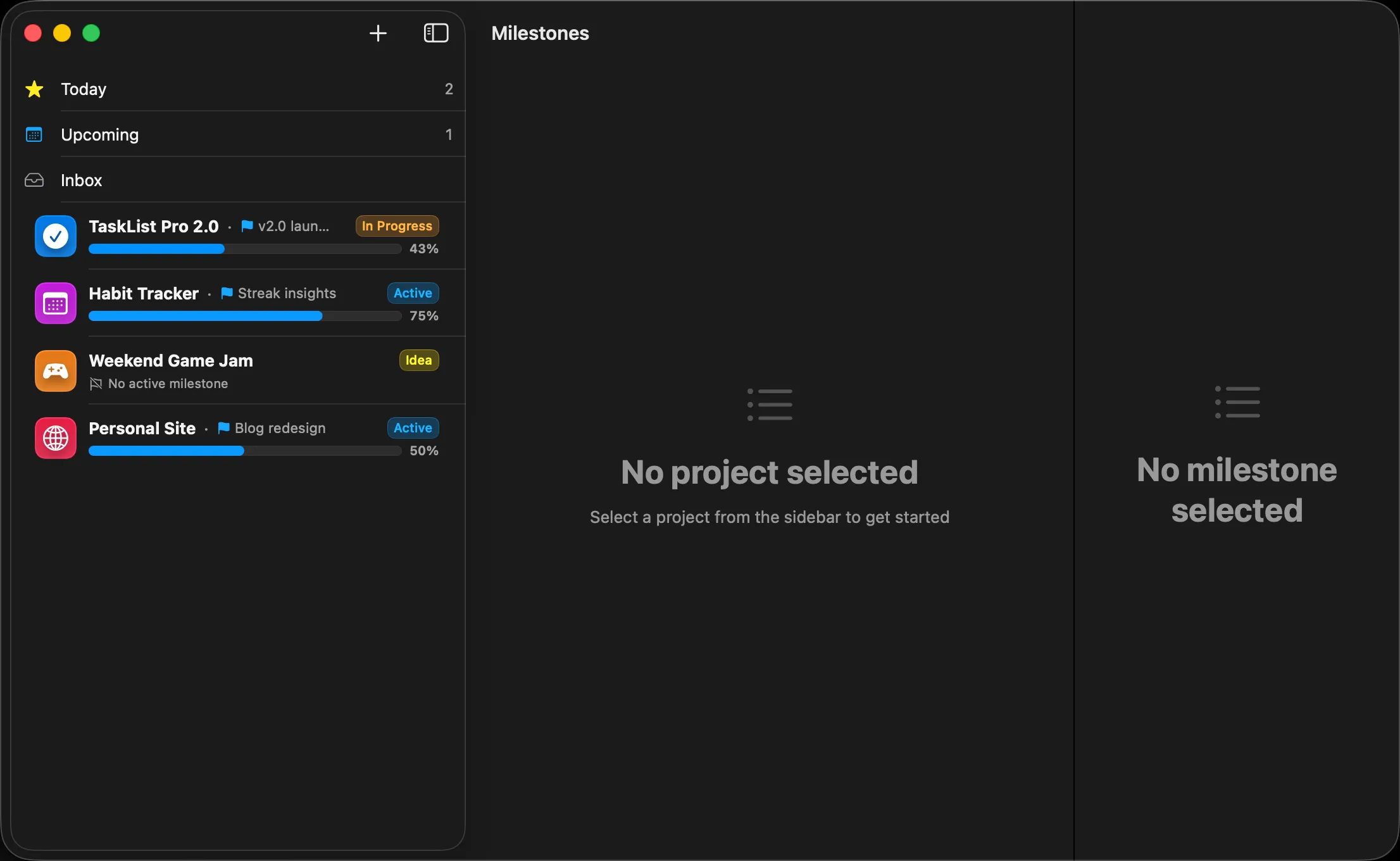
Pure SwiftUI on iPhone, iPad, and Mac. The Mac app feels like a Mac app. The iPad app uses three-column layout. No Electron, no web view, no compromise.
No accounts, no servers, no telemetry of your tasks. Projects, milestones and tasks sync privately through your own iCloud — and work offline first.
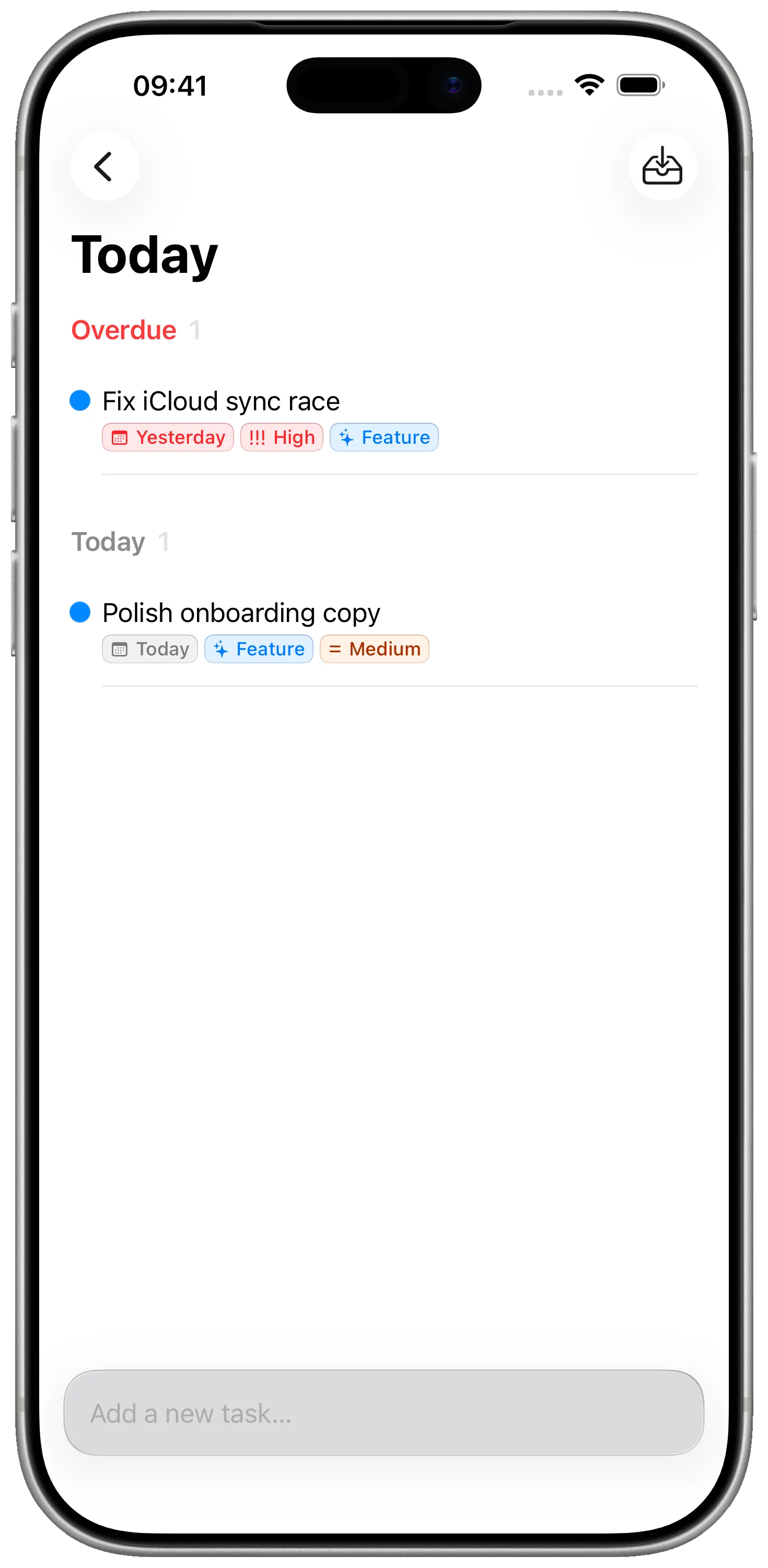
Bug, Feature, Refactor, High priority — colorful tags work across projects so you can pull up every bug or every refactor in seconds.
See it in action
FAQ
Solo first. Every design choice — single-user iCloud sync, no auth, milestone-focused planning — assumes you're the only person on the project. There's no collaboration, no comments, no @mentions to tune out.
Linear and Jira optimise for teams of 10–500 with sprints, epics, and roadmaps you'll never use alone. Milestones strips that down to Project → Milestone → Task with one active milestone — the granularity that actually maps to how solo devs ship.
Yes. Each project is independent, with its own milestones, tasks, and tags. Many indie devs run a personal-app project alongside two or three freelance gigs without them bleeding into each other.
Everything is in your iCloud and on your devices. There's no server-side data to lose, and you can export everything at any time.
Yes. Local-first storage. iCloud sync runs the moment you're back online — no manual refresh needed.
Milestones is free to download and use for personal projects. An optional Pro upgrade unlocks advanced capabilities (project archive, custom icons) for power users.
Side-by-side with the apps you might already be using.
A native Apple planner for personal projects vs a polished issue tracker for software teams. Both are beautiful, opinionated tools — for very different jobs.
A focused native Apple project planner vs the everything-app document and database tool. They aim at very different problems — here's how to choose.
A native Apple project planner with milestones and tasks vs a cross-platform Kanban board. They solve different problems — here's the honest breakdown.
Free to download. No account required. Works offline. Built for indie devs who'd rather code than configure their tooling.
Download on the App StoreFree · No account required · Private iCloud sync