
Run every workstream as its own project
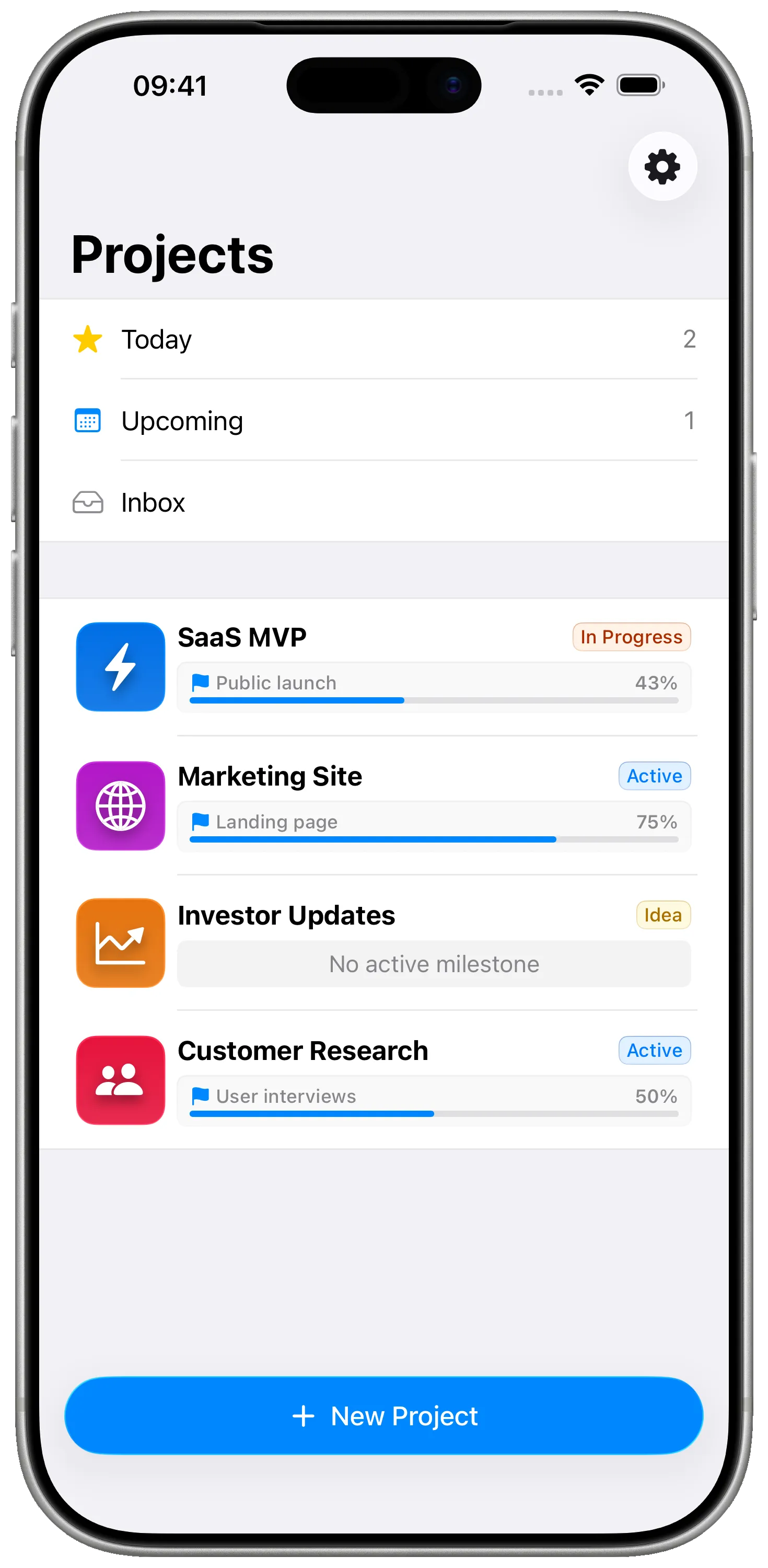
Product. Marketing. Fundraising. Newsletter. Each lives as a separate project with its own milestones — no more shoving everything into one giant Notion database.
For solo founders
Milestones turns a solo founder's chaos — product, marketing, fundraising, content — into a few crisp projects with one active milestone each. Native, private, and on every Apple device you carry.
What's not working today
How Milestones fixes that
Product. Marketing. Fundraising. Newsletter. Each lives as a separate project with its own milestones — no more shoving everything into one giant Notion database.
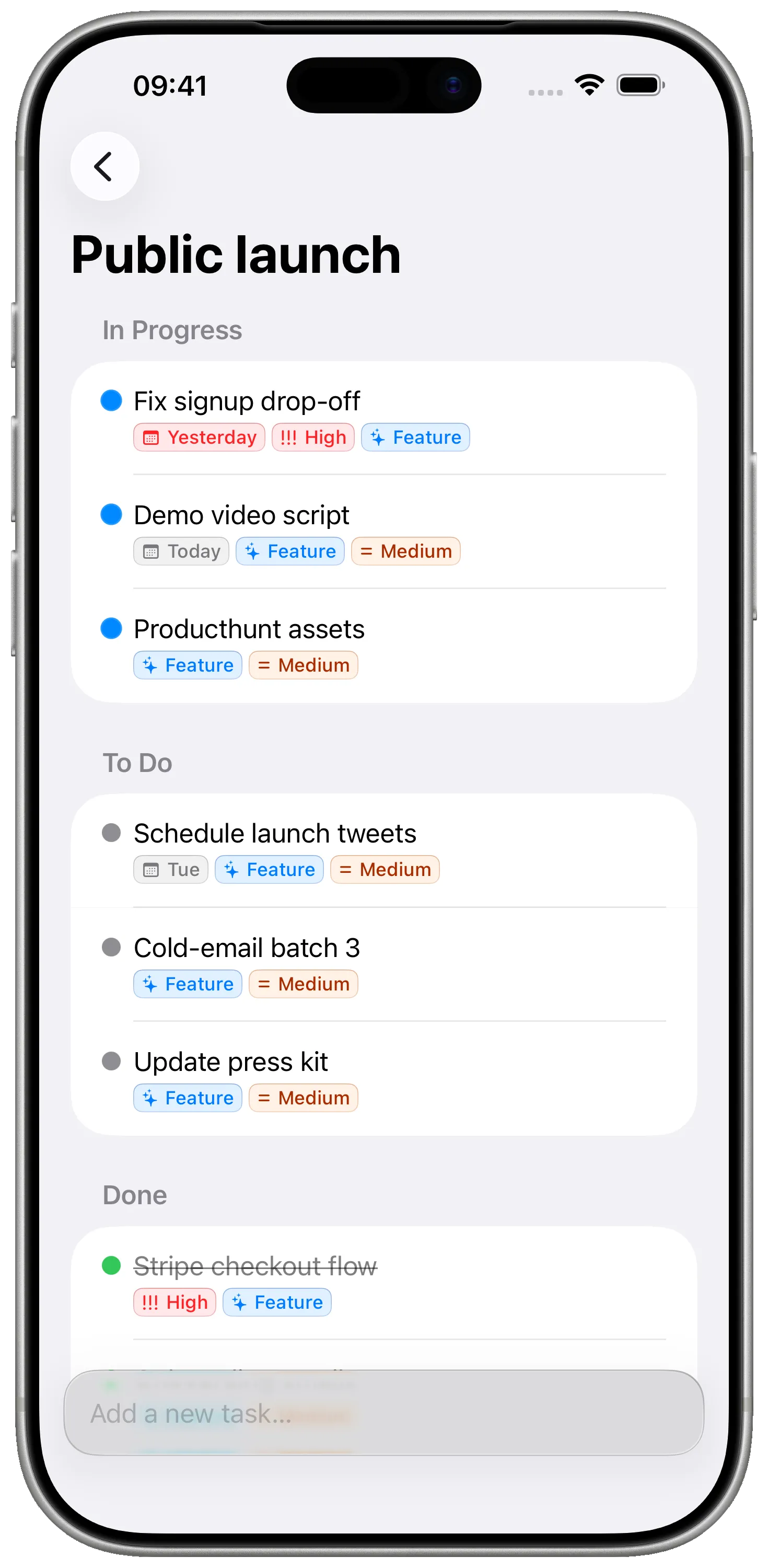
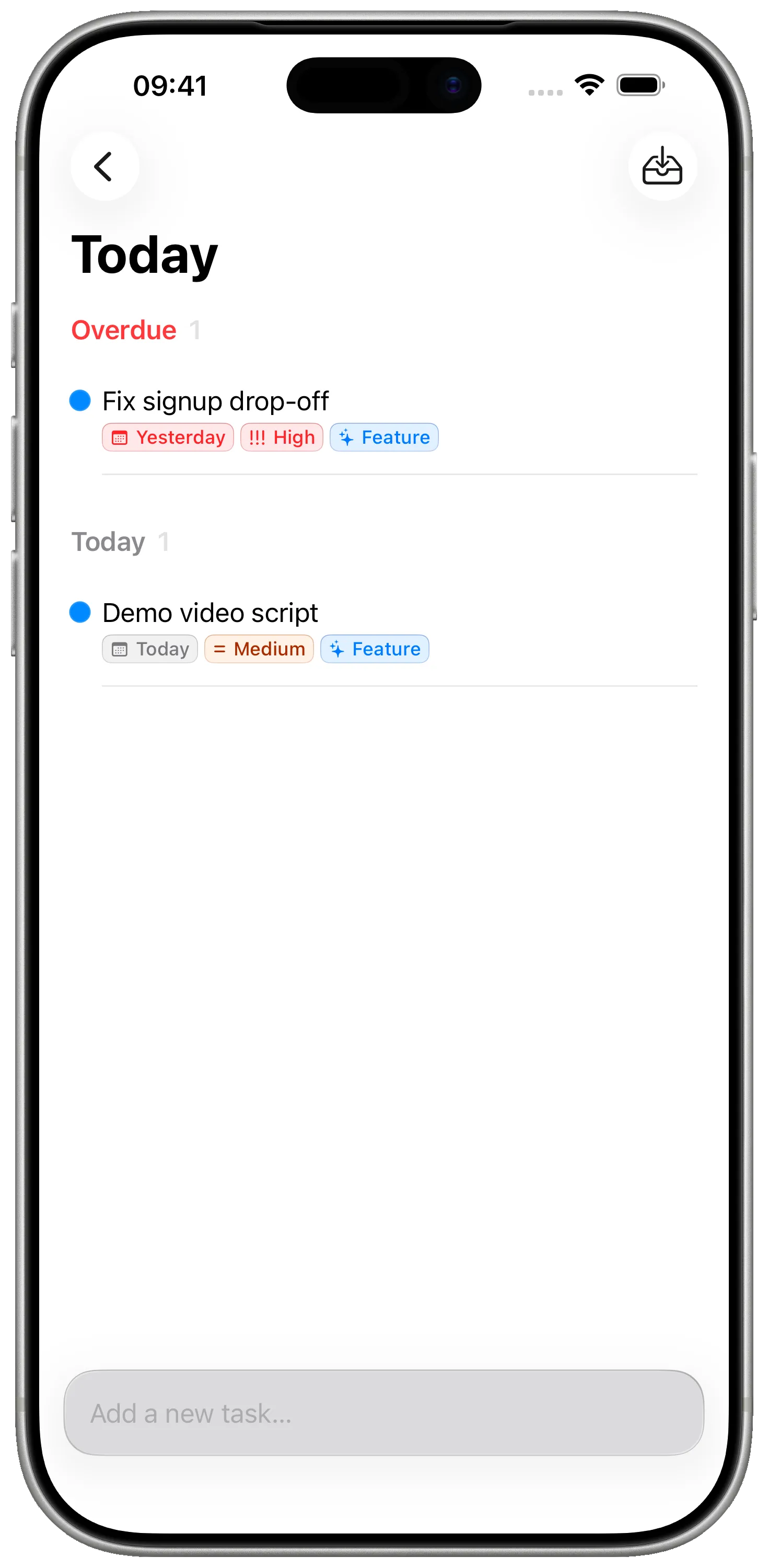
Pin the milestone you're shipping this week. Every other project still tracks progress, but the active one is what shows up first when you open the app on your phone in line at the coffee shop.
Your roadmap is yours. iCloud sync means no SaaS server has a copy of your unannounced launch — just your devices.
Free for personal use. Pro is a small one-off you'll only consider once you're already shipping. No seats, no tiers, no surprise renewals.
See it in action
FAQ
No. Pre-launch is exactly when planning matters most. Set up a Product project, an MVP milestone, and start checking off the tasks. You can have something useful in five minutes.
Not today — Milestones is single-user by design. If you grow into a team, tools like Linear or Notion are better suited. Many solo founders keep using Milestones for their personal planning even after their team picks up a separate tool.
Yes — through your own iCloud account. No login, no extra password. Open the app on a new device signed into the same Apple ID and your projects are already there.
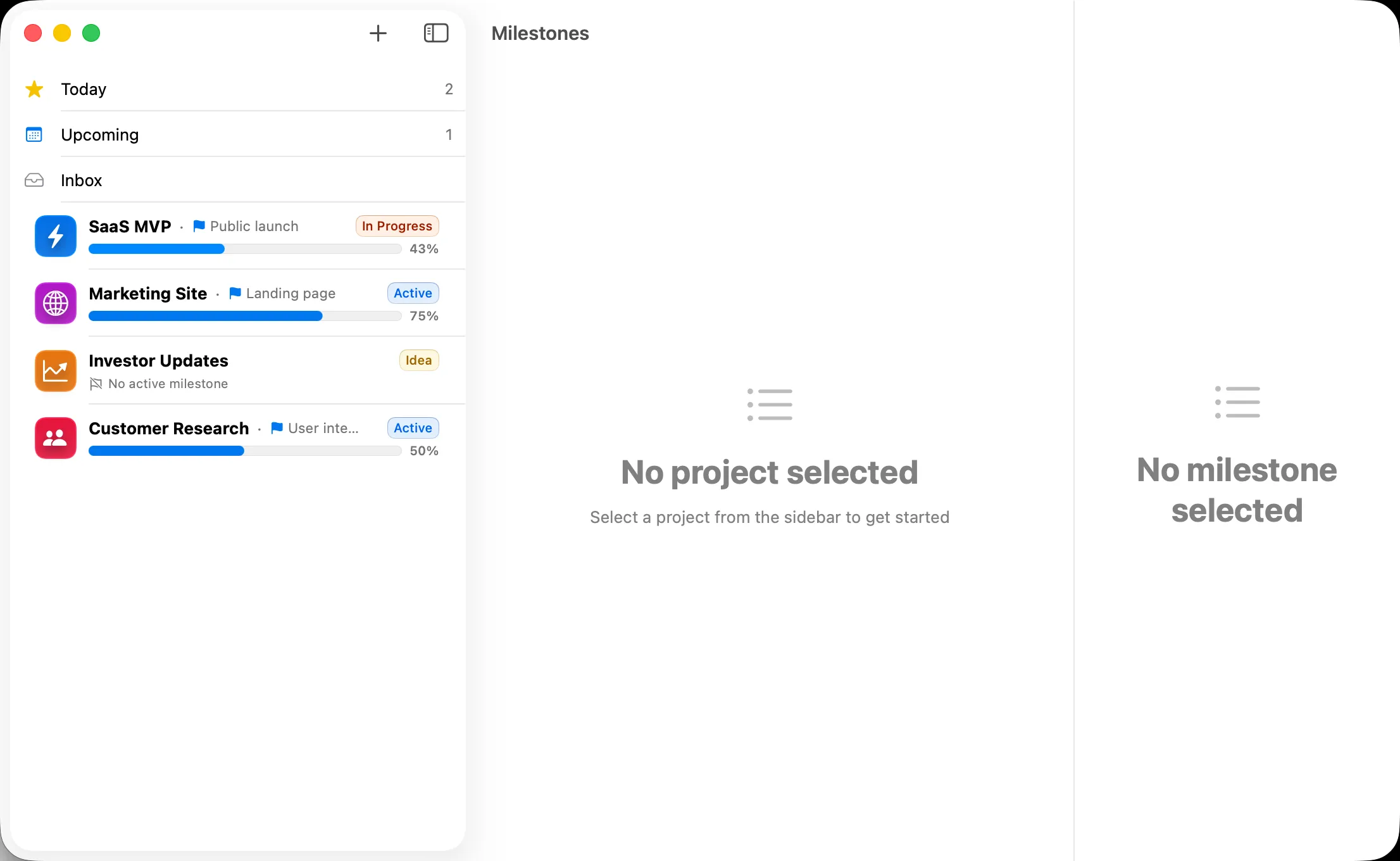
No. Milestones is intentionally Apple-native, which is what gives it the speed and polish it has. iPhone, iPad and Mac apps cover the moments you actually plan.
An optional Pro upgrade. Everything else is free. We're not selling ads or insights based on your projects — there's nothing to sell, your data never leaves your iCloud.
Side-by-side with the apps you might already be using.
A focused native Apple project planner vs the everything-app document and database tool. They aim at very different problems — here's how to choose.
A native Apple project planner vs the most-used cross-platform to-do app. They overlap on tasks but diverge on structure, privacy, and where they live.
A native Apple project planner with milestones and tasks vs a cross-platform Kanban board. They solve different problems — here's the honest breakdown.
Free, private, native. The plan you'll actually open between meetings.
Download on the App StoreFree · No account required · Private iCloud sync