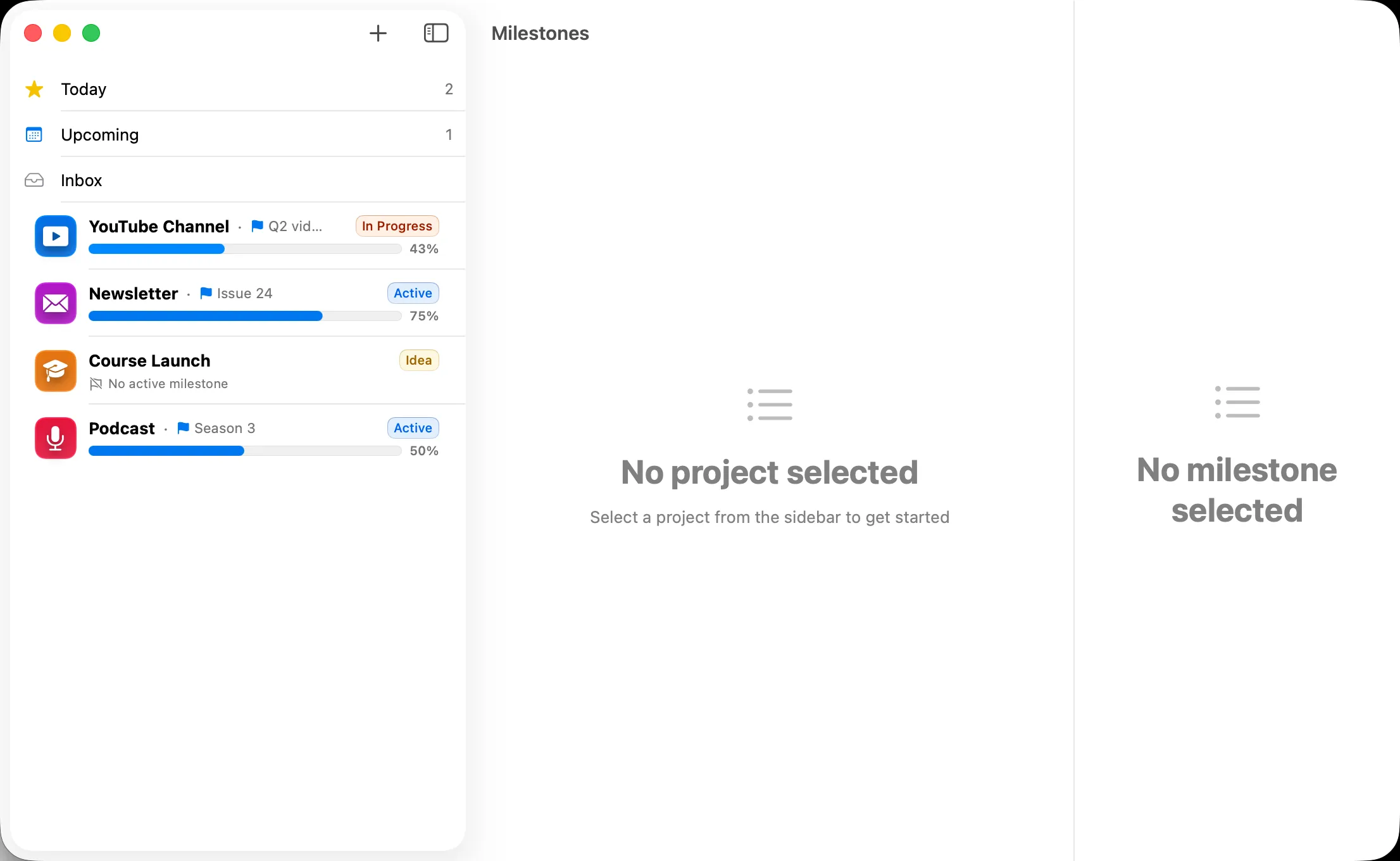
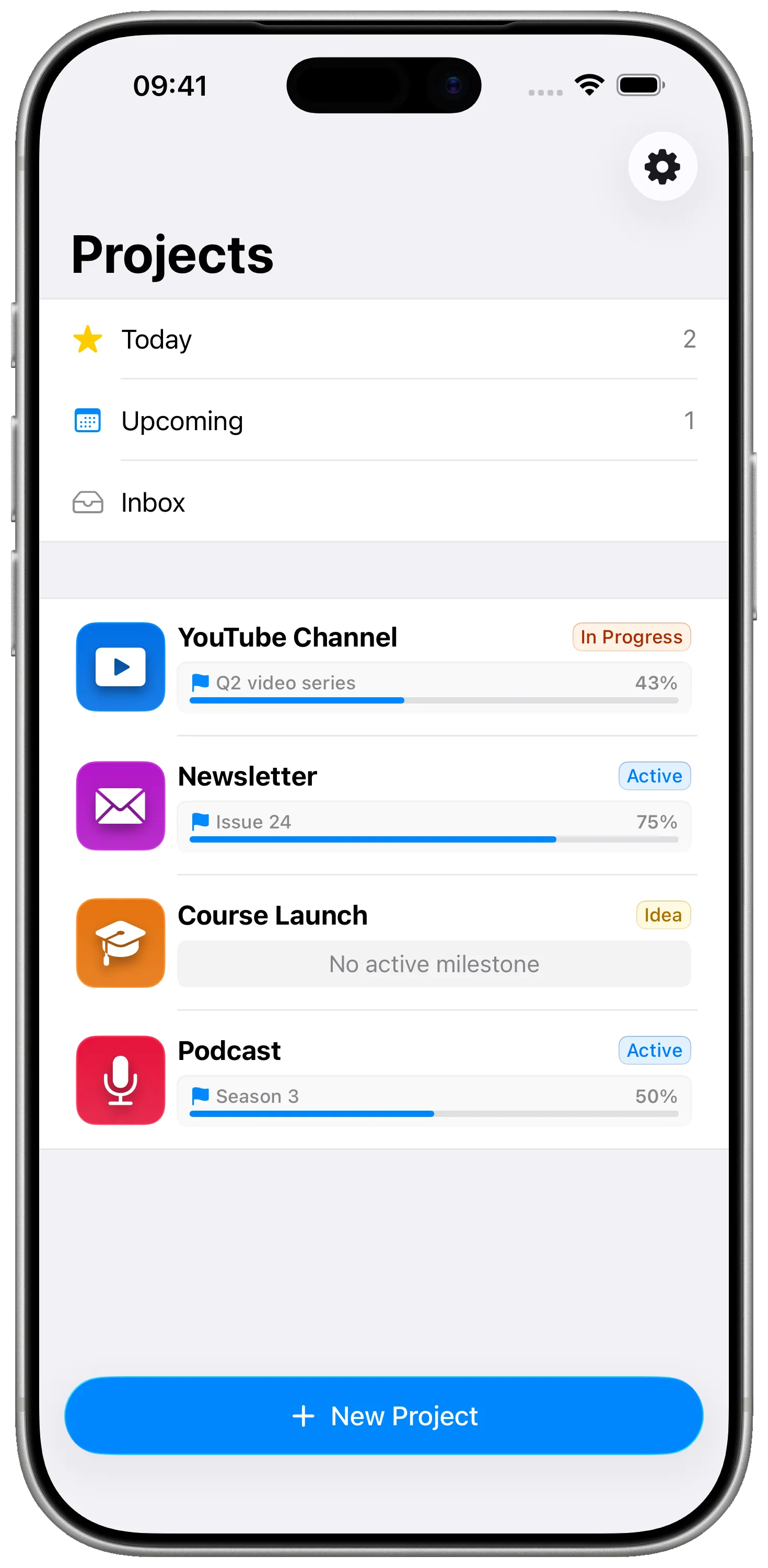
For content creators

Treat every video, episode, and issue like the project it really is.

Milestones turns your editorial calendar into real projects with research → script → record → edit → publish milestones. Native on iPhone, iPad, and Mac. No production team required.

Download on the App Store Free · Works on iPhone, iPad, and Mac.
Treat every video, episode, and issue like the project it really is.

What's not working today

  • Your content calendar lives in three Notion pages, two Trello boards, and a Notes app.
  • Spreadsheets can't show what's actually next.
  • You're a one-person production crew planning like a 50-person network.
  • Most planners are built for engineers — they hide the kind of "working draft" steps creators live in.
  • You want to plan on the train, on the couch, on the Mac — same data, same feel.

How Milestones fixes that

For content creators

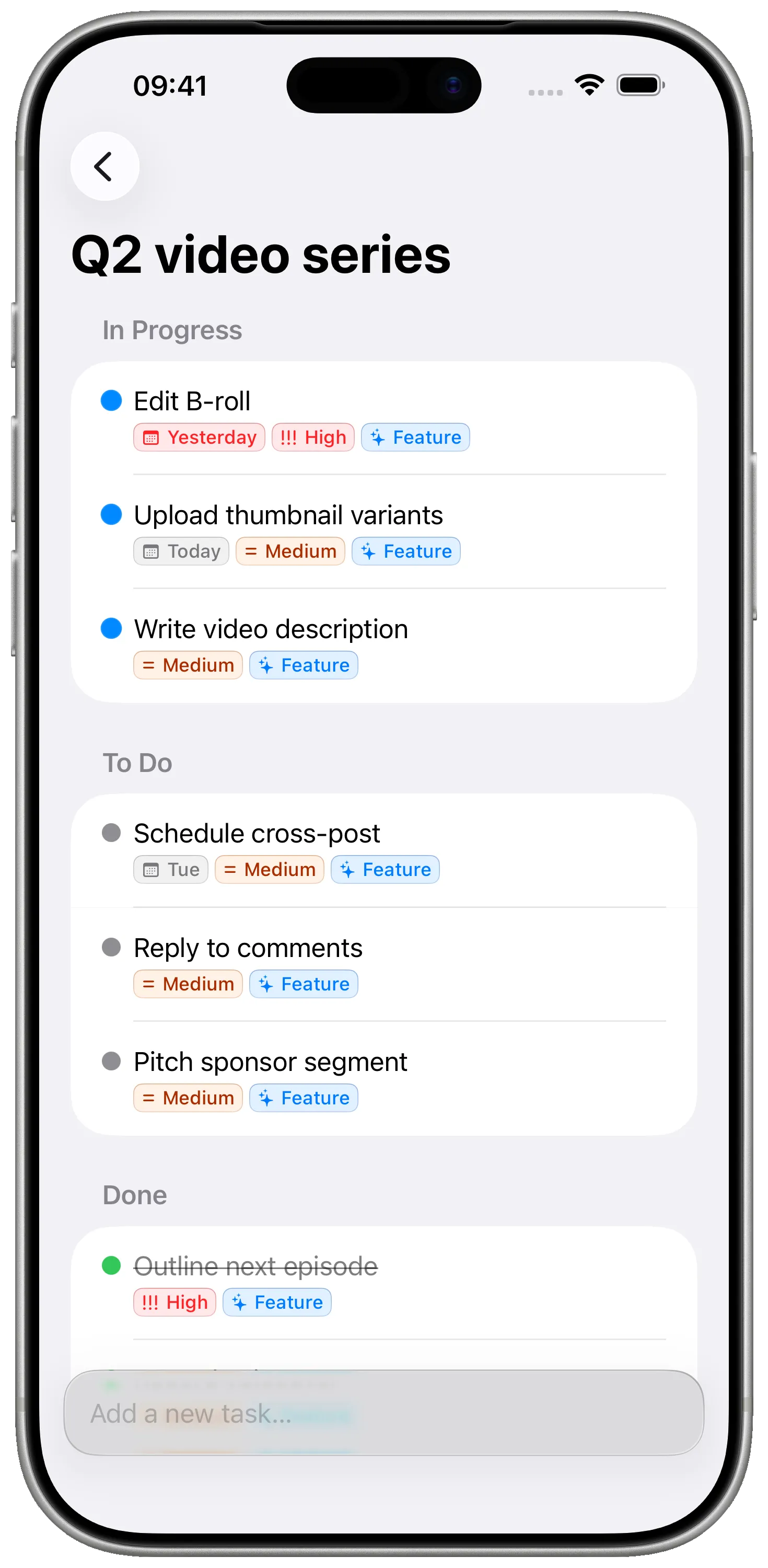
One project per piece, milestones for the workflow

A YouTube video has a research milestone, a script milestone, a record milestone, an edit milestone, a publish milestone. Each with its own tasks. You always know which step is the bottleneck this week.
Tags for series, sponsors, formats

Tag every project with its series, sponsor, or format — Long Form, Short, Sponsored, Evergreen — and pull up every video in a series in one tap.

Capture ideas wherever they happen

iPhone in line at the grocery store, iPad on the couch, Mac at the desk. Same projects, instantly synced through your iCloud. No SaaS account, no team plan.

Quiet, focused, no notifications

No mentions, no @comments, no Slack-style pings. Just your plan, on your devices. The opposite of every other tool you already pay for.

See it in action

Treat every video, episode, and issue like the project it really is.

One project per piece, milestones for the workflow
Tags for series, sponsors, formats
Treat every video, episode, and issue like the project it really is.

FAQ

Frequently asked questions

I make videos / podcasts / newsletters — does this fit all of them?

Yes. Each format becomes a project type with its own milestone template. Newsletter: Brief → Draft → Edit → Schedule. Podcast: Outline → Record → Edit → Show notes → Publish. Video: Research → Script → Record → Edit → Thumbnail → Publish. You decide the steps.

Can I plan a whole season or series in one project?

Either approach works. One option: each episode is its own project with consistent milestones, tagged with the series. Other option: the season is the project, each episode is a milestone. Many creators run both — a series-wide project for arcs, and per-episode projects for the actual production work.

Does it sync with Notion, Airtable, or my CMS?

No direct integrations. Milestones is intentionally a quiet, private planner — your CMS still publishes, your spreadsheets still archive, but the planning lives here, off the team-plan radar.

Can I share a project with my editor?

Not today — Milestones is single-user. If you have an editor or VA who needs the same view, current creators tend to use Milestones for personal planning and a separate shared doc for collaboration. We're considering controlled sharing for a future Pro tier.

Will it remind me of publish dates?

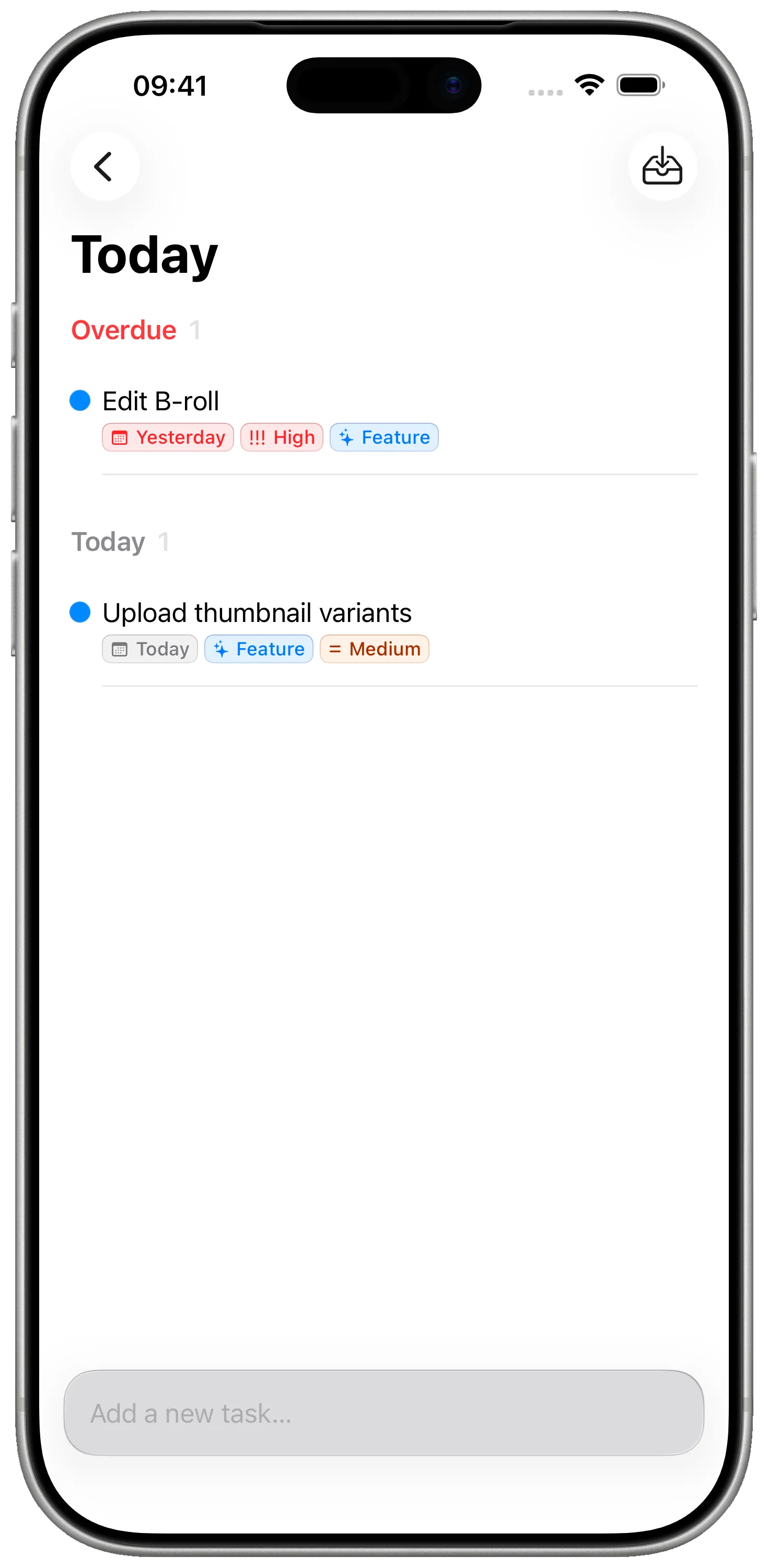
Tasks and milestones support due dates that flow into the system calendar. You'll see what's due this week on the home screen of every device.

Stop scheduling. Start shipping.

Free, private, native. The planner for creators who'd rather make the next video than wrangle the next tool.

Download on the App Store

Free · No account required · Private iCloud sync