
Pure SwiftUI, top to bottom
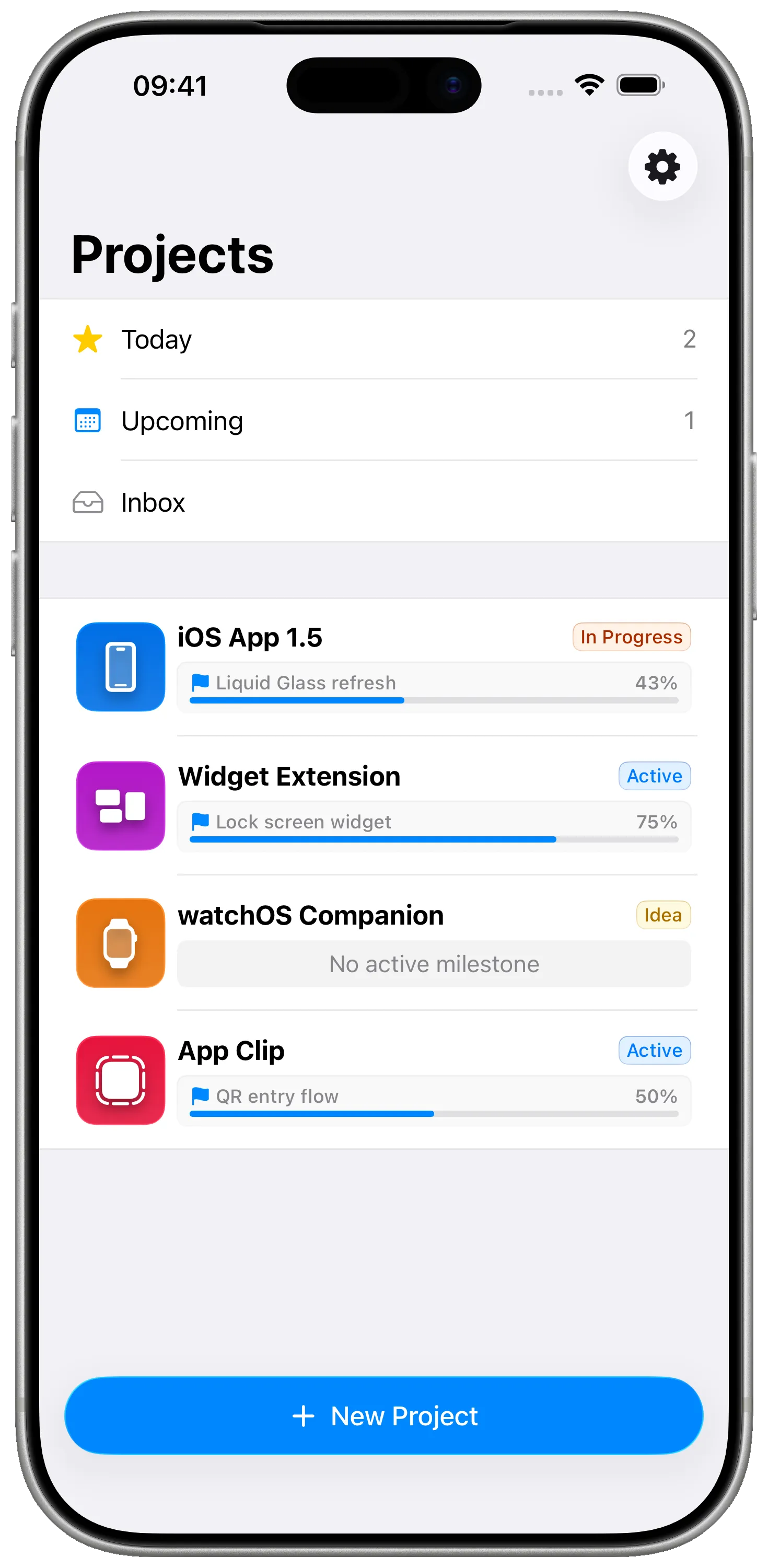
Built in the same toolkit you use every day. No web wrapper, no React Native, no Catalyst stretch — just native components, native animations, native context menus.
For iOS developers
Milestones is a pure SwiftUI project planner — Liquid Glass, native gestures, three-column iPad layout, real Mac menu bar. Built by an iOS dev who got tired of cross-platform planners.
What's not working today
How Milestones fixes that
Built in the same toolkit you use every day. No web wrapper, no React Native, no Catalyst stretch — just native components, native animations, native context menus.
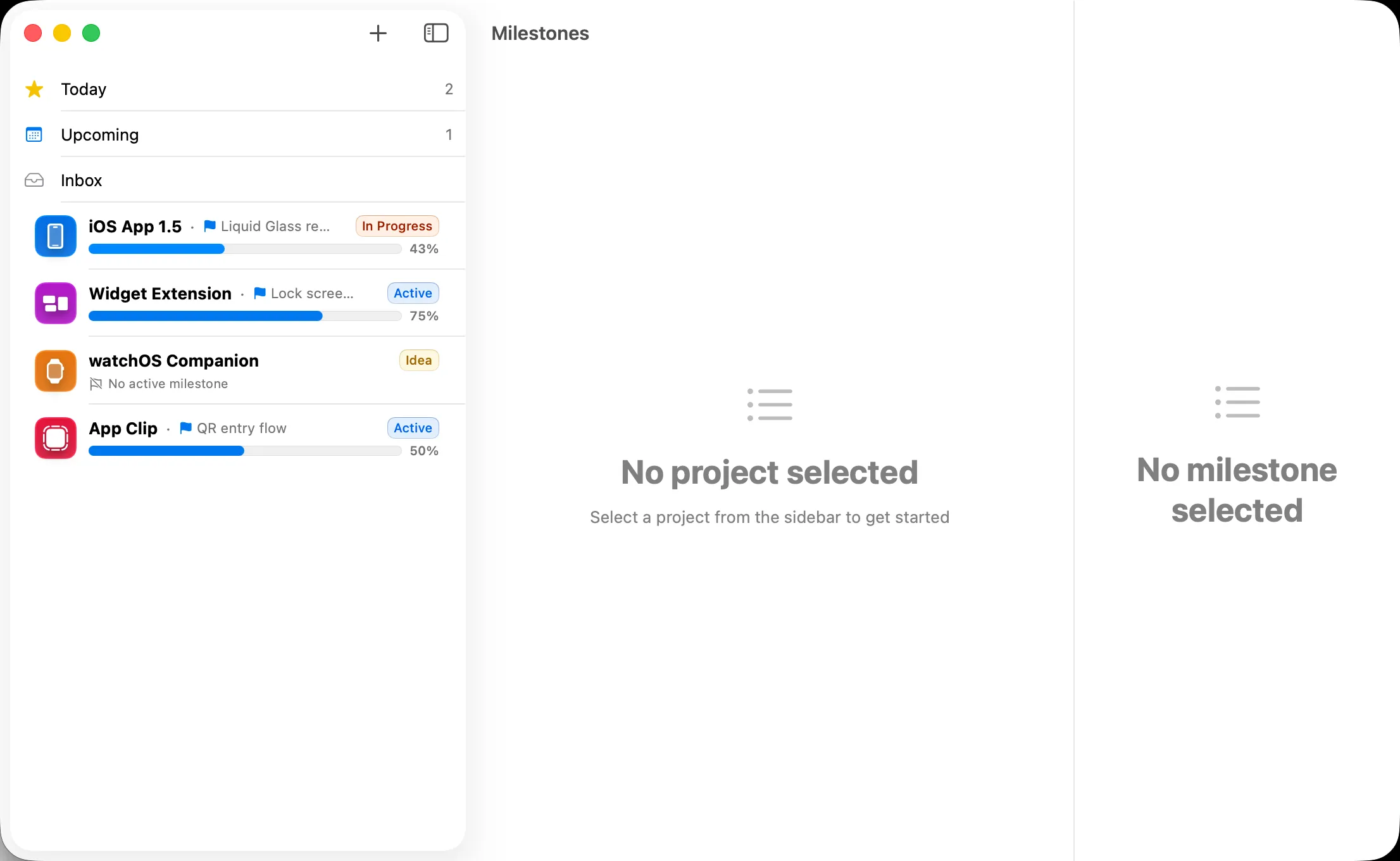
Three-column NavigationSplitView on iPadOS. Keyboard shortcuts. Pencil-friendly. The iPad app isn't a phone app stretched out — it's its own thing.
Menu bar, sidebar, multiple windows, share sheet, system shortcuts. It feels like a Mac app because it is one — same Swift code, native Mac feel.
iCloud sync via CloudKit. No vendor account, no third-party server, no analytics on your project content. Same posture you take with your own apps.
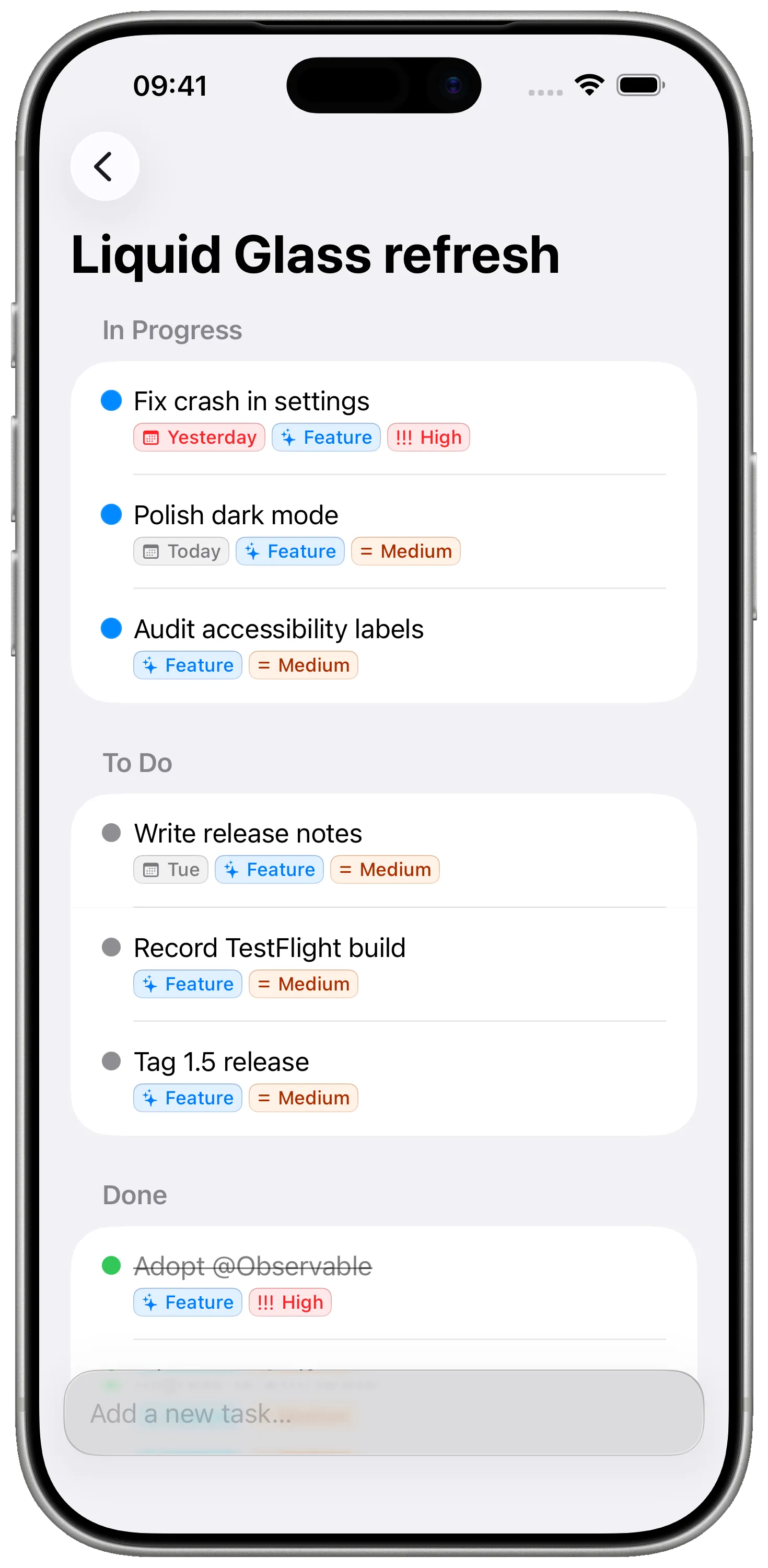
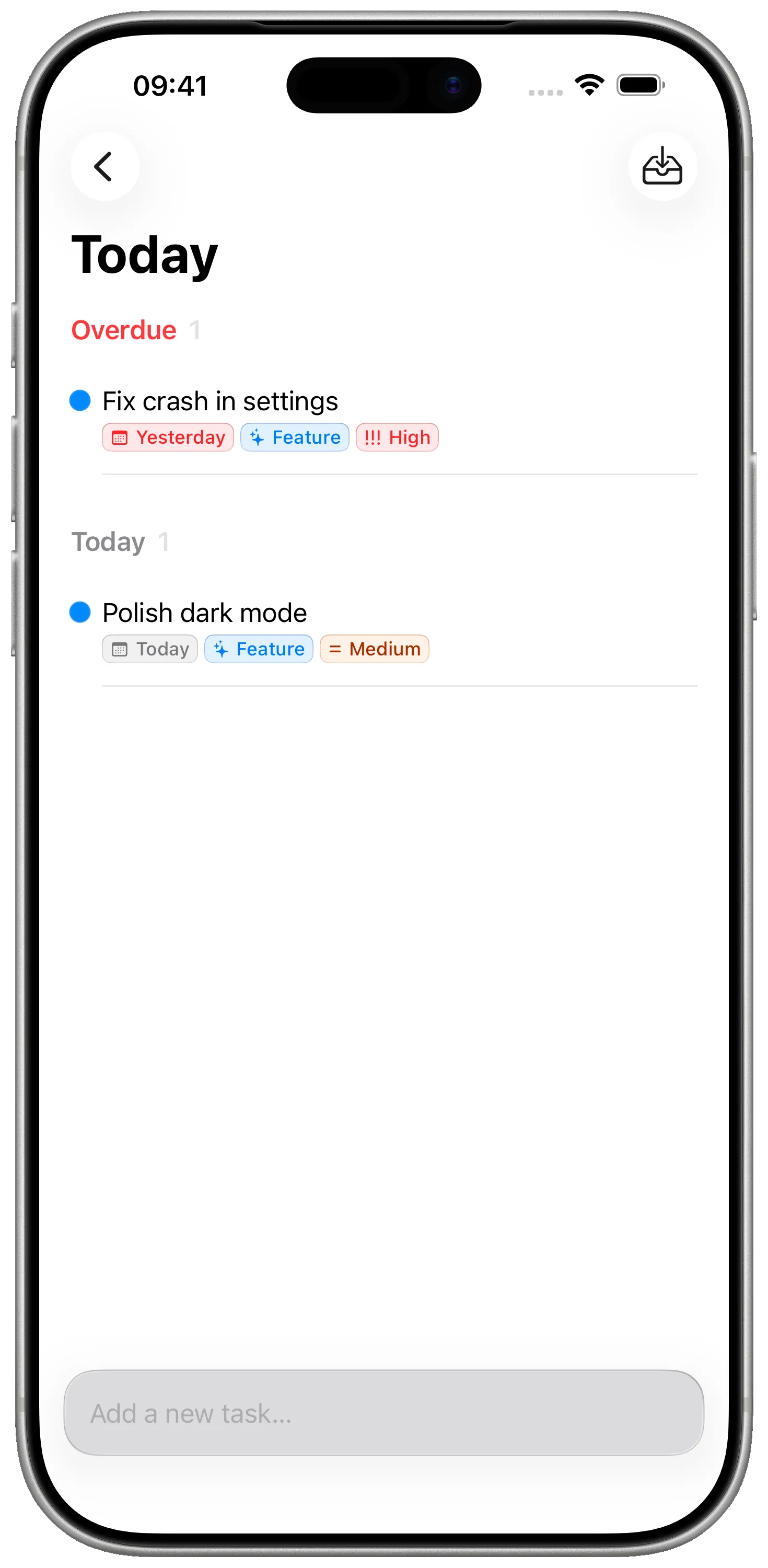
See it in action
FAQ
Not at the moment, but the architecture is the kind you'd recognise: SwiftUI + SwiftData, CloudKit sync, RevenueCat for Pro entitlements. We talk about it openly on our changelog and roadmap.
Reminders has no notion of milestones — only flat tasks under lists. Notes has no notion of tasks at all. Milestones models the Project → Milestone → Task structure that maps to how iOS apps actually ship: prototype, beta, 1.0, 1.1, etc.
Tasks have a title, optional notes, due date, and tags. We deliberately keep them lightweight so they're fast to capture from anywhere — including the iOS Share Sheet.
Yes — colorful tags work across projects, so you can pull up every bug across every app, or every refactor task you've been putting off.
Not directly. Milestones is your personal planner; the integrations live in your existing tooling. That said, due dates and milestones map cleanly to TestFlight build cycles if you want them to.
Native macOS — built with SwiftUI's Mac idioms. Real menus, real toolbar, real `.scenePadding`. Not a stretched iPad app.
Side-by-side with the apps you might already be using.
A native Apple planner for personal projects vs a polished issue tracker for software teams. Both are beautiful, opinionated tools — for very different jobs.
A focused native Apple project planner vs the everything-app document and database tool. They aim at very different problems — here's how to choose.
A milestone-driven project planner vs the most polished GTD task manager on Apple platforms. Both are native, both respect you — they're just for different jobs.
Same toolkit you ship with. Same privacy stance you take with your users. Free to start, native everywhere.
Download on the App StoreFree · No account required · Private iCloud sync